Your reactivation script is ready. Grab it below — it’s yours to keep.
The same wording we use to bring lapsed patients back onto the schedule. No strings — take it and use it.
Open the scriptTo keep your own copy: open it, then choose File → Make a copy. That saves an editable version to your Google Drive so you can change the wording to sound like your practice.
Someone still has to pull the list of who’s lapsed, send it, track who replied, and chase the ones who didn’t. That’s the expensive bit — and it’s the bit TrackStat does for you.
Because a generic demo wastes your time. Tell us how many patients have gone quiet and how your front desk handles follow-up today, and we’ll show you exactly what reactivation looks like running on your own data. If it isn’t a fit for your practice, we’ll say so.
20 minutes · Zoom · Mon–Fri, 8:00am–4:00pm ET
That's the whole pitch. The call is where you see it on your own numbers.
Would rather not Zoom? The short video covers the basics, and we can send you a longer demo to watch on your own time. Just email support@trackstat.org and let us know that's what you're looking for.
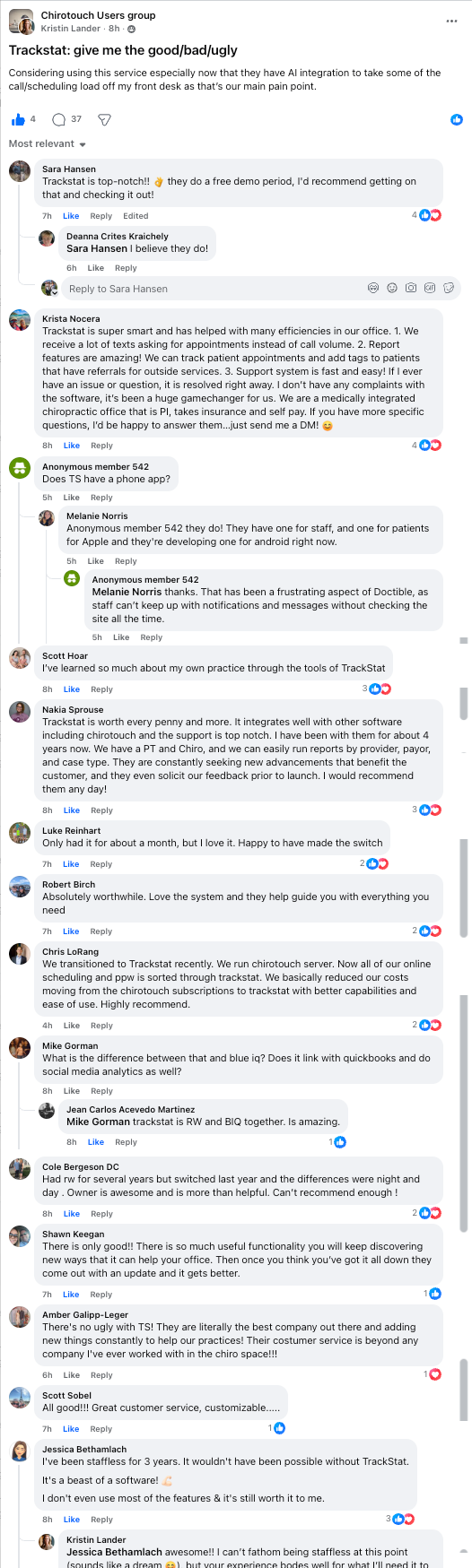
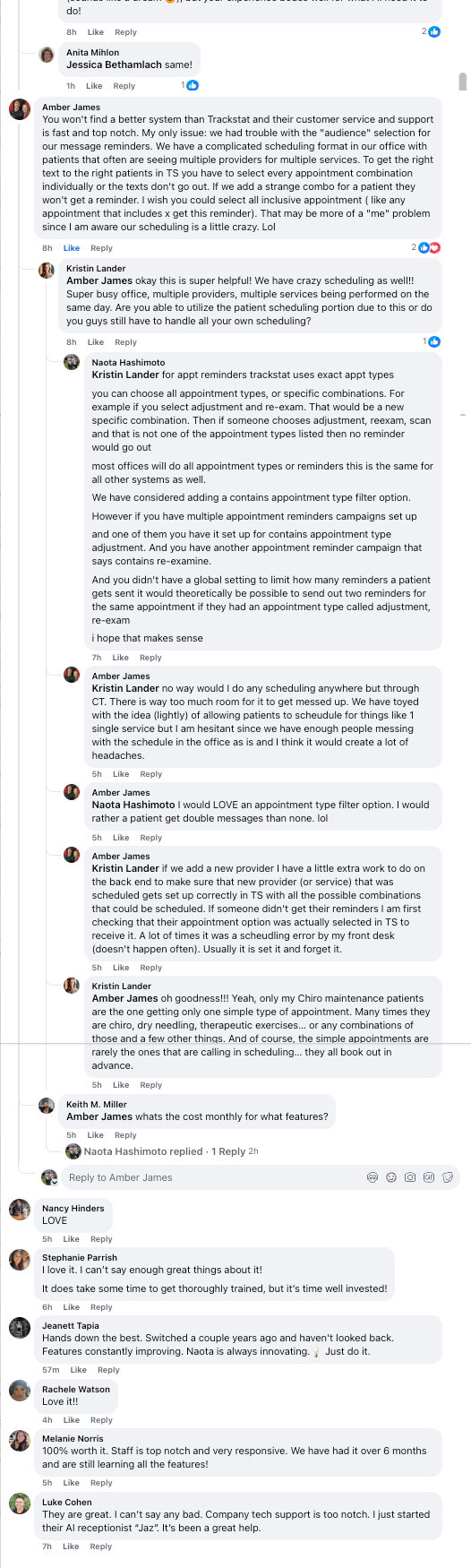
Unprompted posts from the Chirotouch Users group.
“What has impressed me the most is their customer service.”
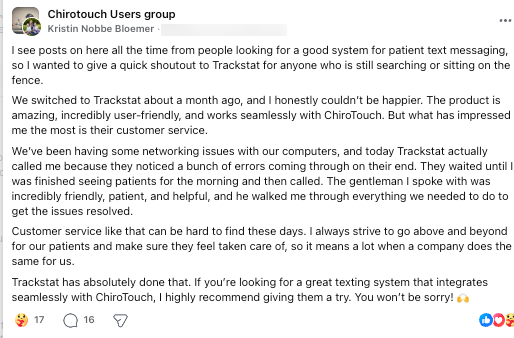
Kelly Meredith: “I have been with TrackStat for over a year and a half. They are great. Very easy onboarding. If you send them a message they are back to you within a half hour or sooner.”
Krista Nocera: “TrackStat is the best!!!! Total gamechanger for our office.”
Robert Birch: “Absolutely the best and worth every penny plus. Customer care not just service!!”


This is that thread, unedited — 37 comments, criticism included.
No. TrackStat connects to what you already use — ChiroTouch Classic today, with ChiroTouch Cloud and Prompt EMR on the way, plus ClinicMind. Nothing about your clinical workflow changes.
No. Texting apps don't know who missed their last visit or whose care plan is running out — you do, and then you type it in. TrackStat reads your EHR data and triggers the outreach on its own, then reports which patients it couldn't reach so your team can pick those up.
Yes. Nothing connects to your EHR until you've signed a BAA — that comes after the call, once you've decided TrackStat is a fit. We'll walk through exactly what we access before anything is signed.
It depends on what you run. Cloud-based systems have an app store — you subscribe to TrackStat there and you're connected. Server-based systems need a small piece of software installed on your server, which we take care of. Either way it happens after the BAA, and we walk your team through it.
The opposite — that's the reason it exists. Automation handles the routine outreach. What's left over comes to your team as a short, specific task list instead of a report nobody opens, and you get a completion metric showing it actually got done.
“I've been staffless for 3 years. It wouldn't have been possible without TrackStat. It's a beast of a software! I don't even use most of the features & it's still worth it to me.”Jessica Bethamlach
Twenty minutes, your real patient data, and an honest answer on whether TrackStat fits your practice.
Pick my timePrefer to just talk? Call or text (760) 334-5013 · support@trackstat.org